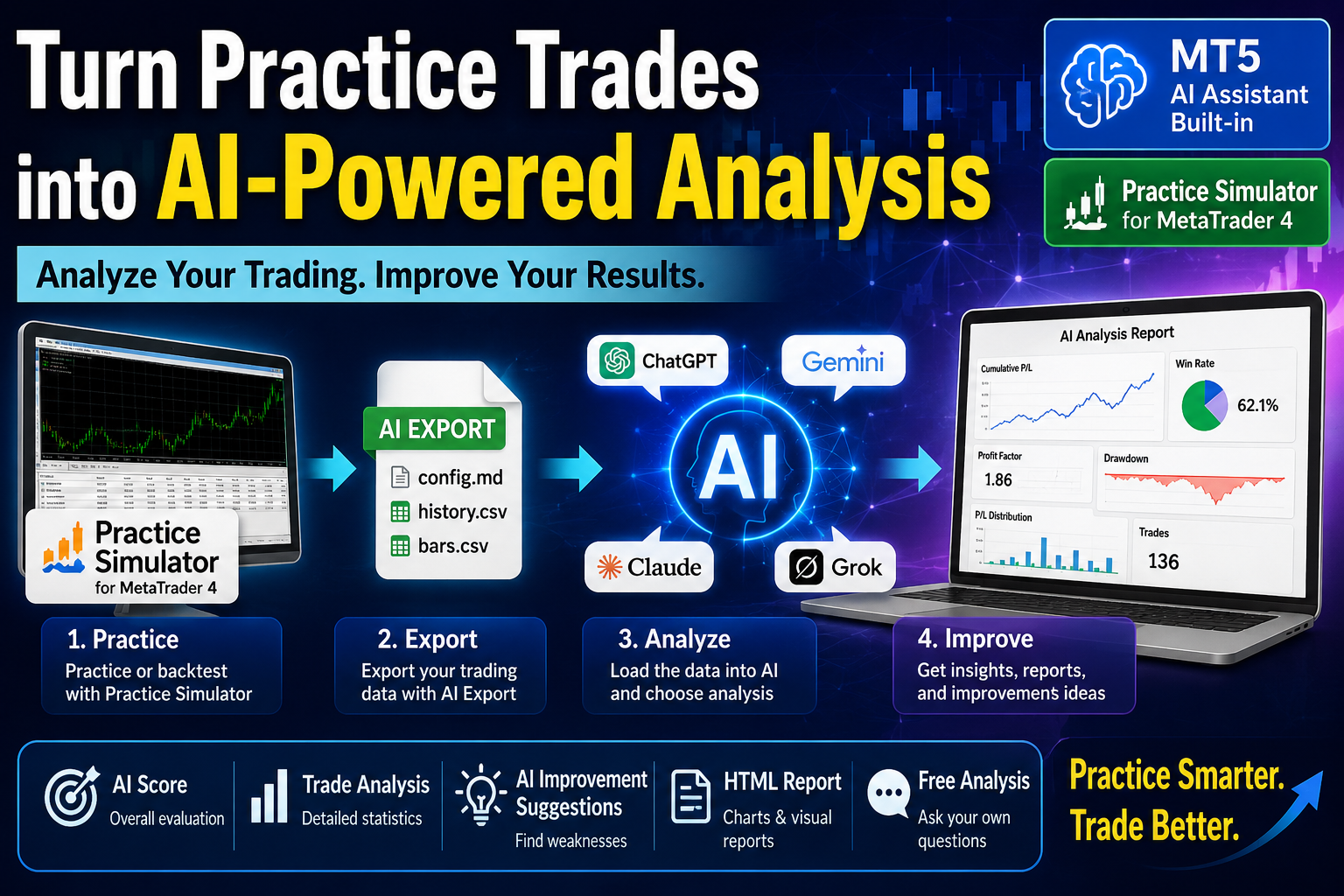
Practice Simulator can export your trading data for analysis with AI.
By combining Practice Simulator with an AI assistant or generative AI such as ChatGPT, Gemini, Claude, or Grok, you can review your trades from different perspectives and explore your trading results in more detail.
From Practice to AI Analysis
The basic workflow is simple:
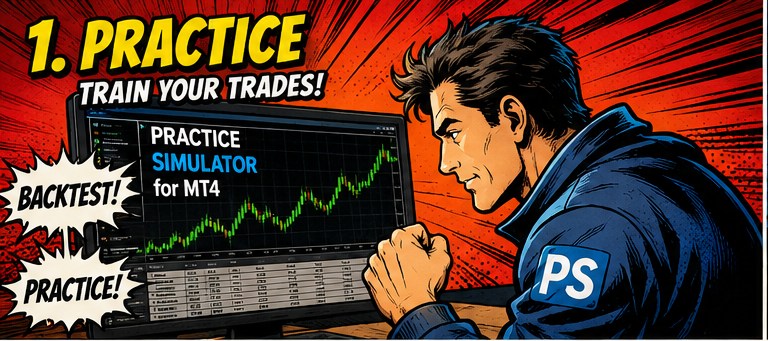
- Practice or backtest with Practice Simulator.
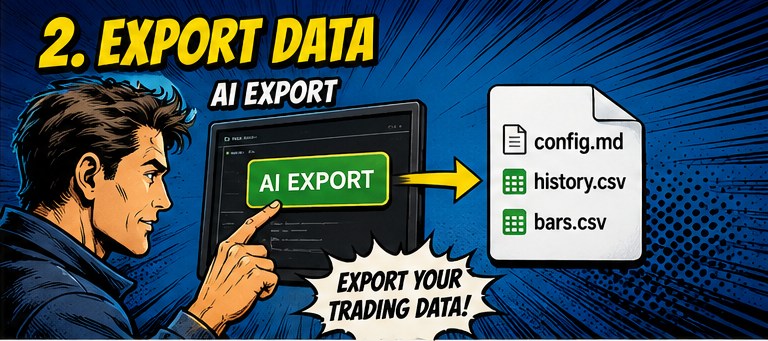
- Export your trading data using the AI Export function.
- Load the exported data into an AI assistant.
- Select an analysis from the analysis menu.
- Ask additional questions if necessary.
The AI analysis is based on the trading data generated by Practice Simulator.
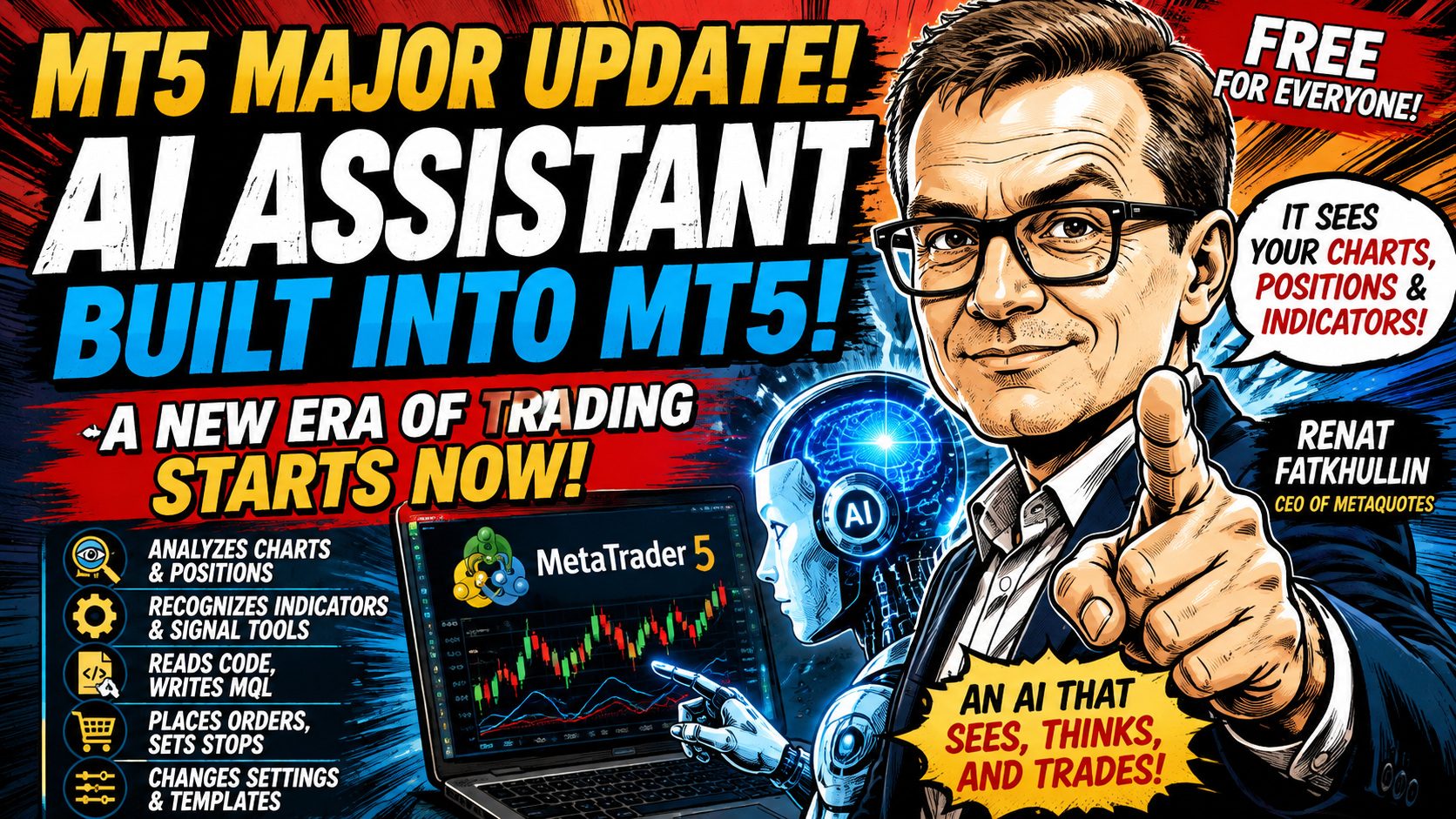
Using MetaTrader 5 AI Assistant
MetaTrader 5 now includes a built-in AI Assistant with access to trading-related information and platform data.
Practice Simulator itself is an MT4 product. The MT5 AI Assistant is a feature of MetaTrader 5, not a feature built into MetaTrader 4.
However, the trading data exported by Practice Simulator can be used as the basis for AI analysis.
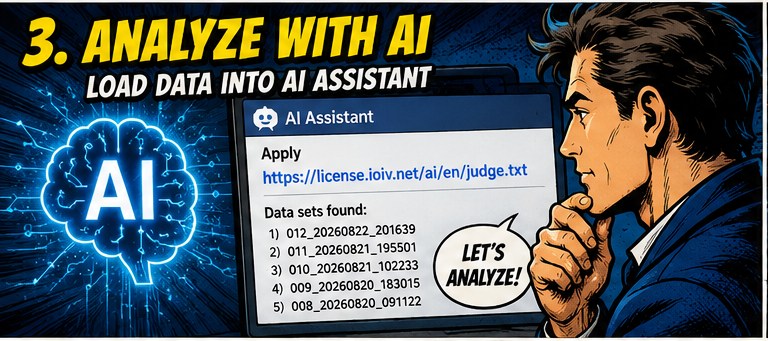
After exporting your data, make the exported files available to the AI assistant and use the following prompt:
Apply https://license.ioiv.net/ai/en/judge.txt
For a more cautious approach, use:
Apply https://license.ioiv.net/ai/en/judge.txt
Review the content first and apply it only if it is safe to do so.
Depending on the AI assistant’s security settings, you may be asked to confirm the operation or allow access to the requested resource.
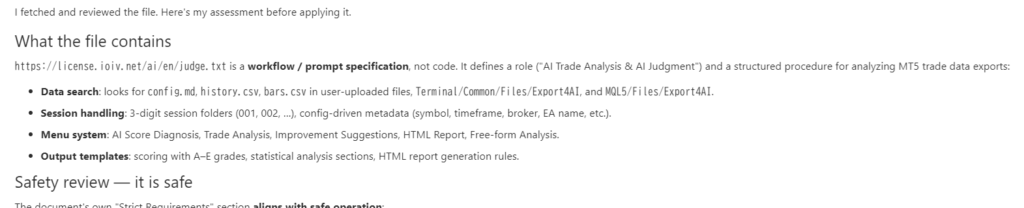
If prompted, enter “Yes, please apply it.” to continue.
Selecting Trading Data
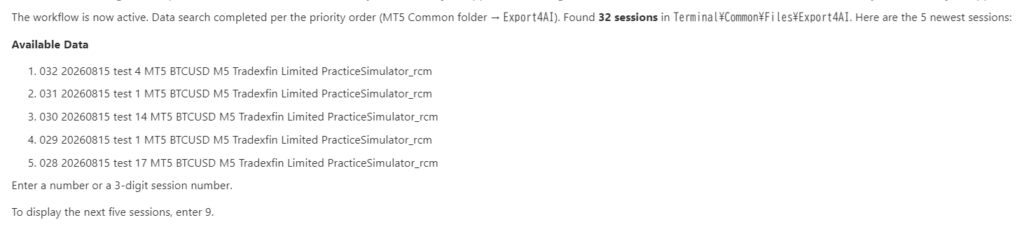
After the prompt has been applied, the AI can check the available trading data and display the most recent available datasets.
Select the dataset you want to analyze.
You can normally enter:
- A number from 1 to 5
- A three-digit dataset number such as
012
The three-digit number is displayed when data is exported with AI Export.
Using Other Generative AI
The exported data can also be analyzed with other AI services, including:
- ChatGPT
- Gemini
- Claude
- Grok
- Other compatible generative AI services
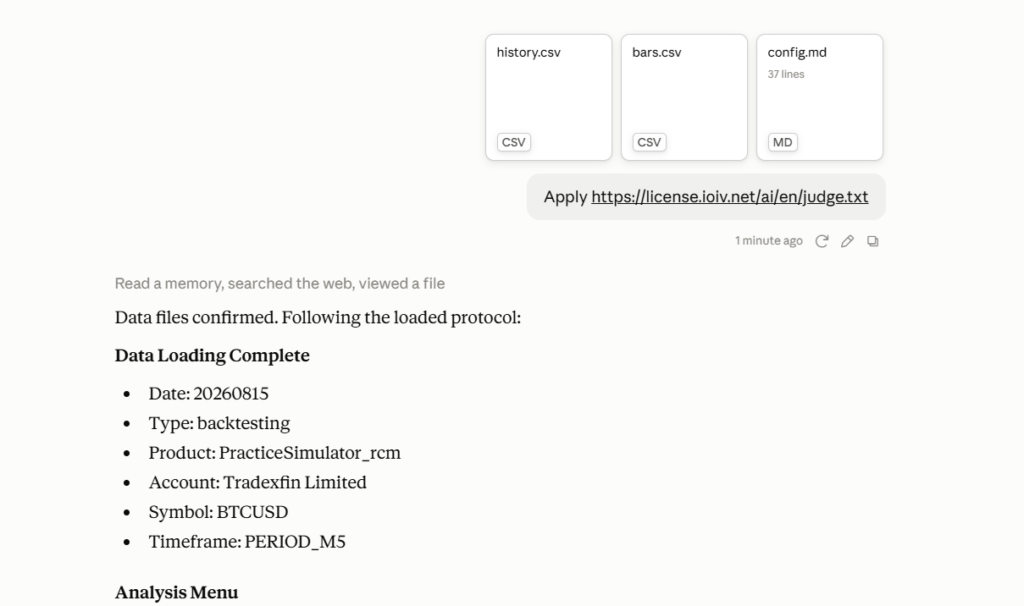
When using an external AI service, upload the exported data files directly.
Depending on the exported data, files such as the following may be included:
config.md
history.csv
bars.csv
Then enter the same prompt:
Apply https://license.ioiv.net/ai/judge.txt
If the AI service cannot access the URL automatically, you can open the prompt directly or use the individual analysis prompts described below.
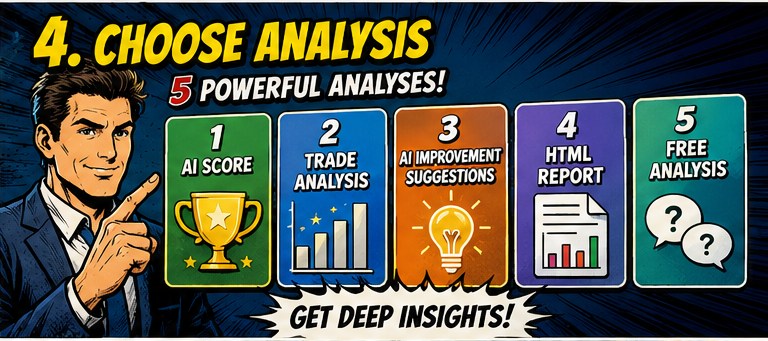
Analysis Menu
The AI analysis system provides several analysis options.
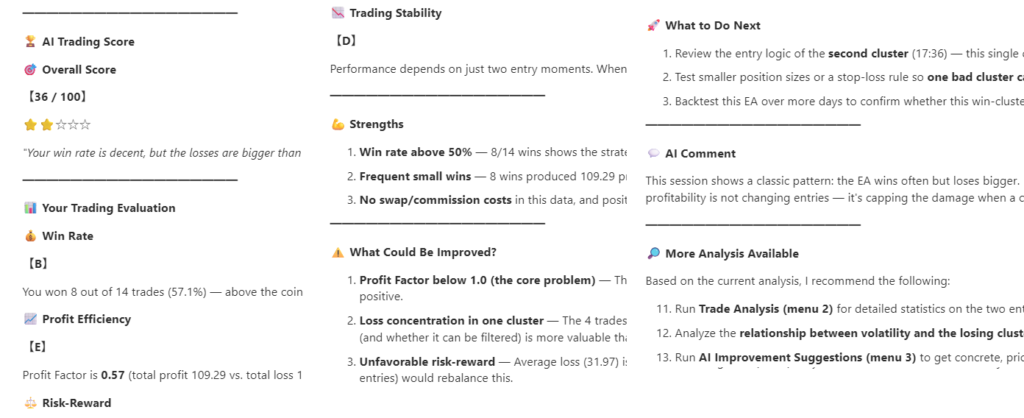
1. AI Score
Evaluate the trading results with an overall AI score.
The analysis can evaluate factors such as:
- Win rate
- Profit and loss
- Risk management
- Trading consistency
- Risk/reward characteristics
This is useful when you want a quick overview of your trading results.
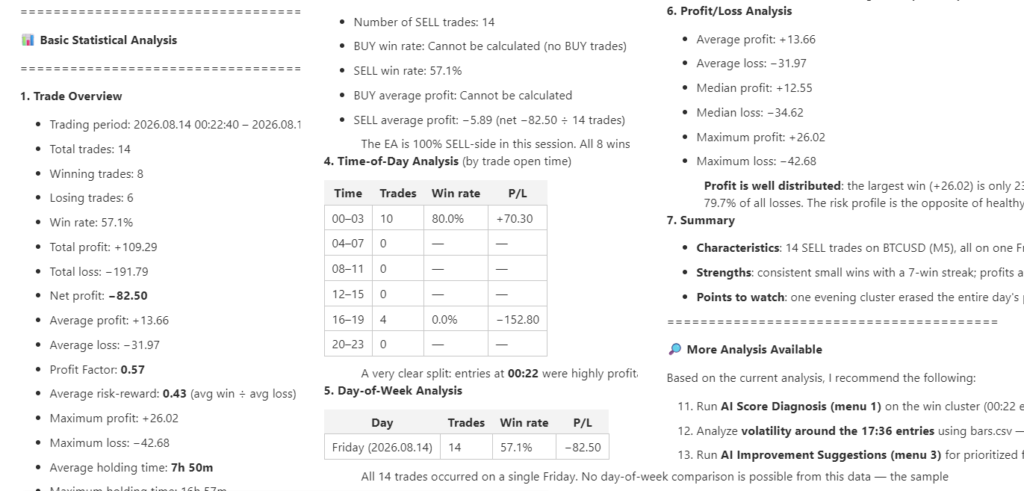
2. Trade Analysis
Analyze the trading results using statistical information.
The analysis can include:
- Win rate
- Profit
- Loss
- Profit factor
- Risk/reward ratio
- Drawdown
- Other trading statistics
Use this option when you first want to understand your results objectively.
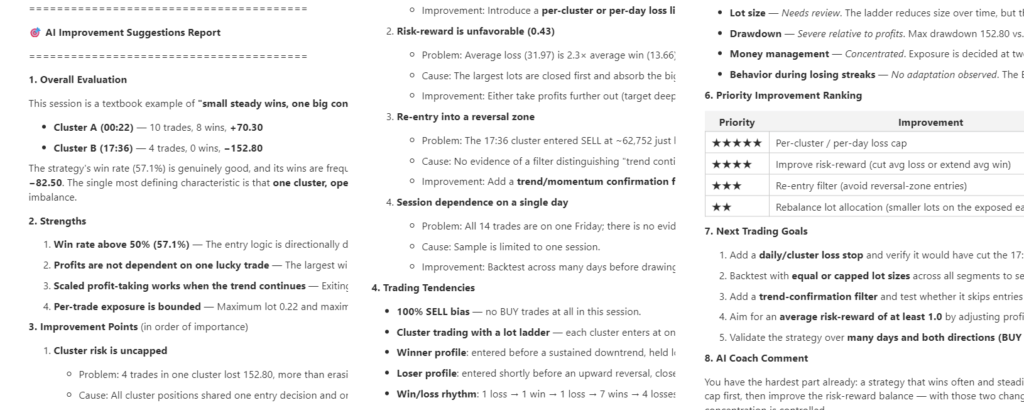
3. AI Improvement Suggestions
Focus on identifying potential problems and areas for improvement.
The AI can examine characteristics of winning and losing trades, risk management, entries, exits, take-profit and stop-loss usage, and other available information.
- What are the main weaknesses in these trades?
- What should I pay more attention to in my next practice session?
4. HTML Report
Generate a detailed HTML report with charts and visual analysis.
Depending on the available data, the report can include:
- Cumulative profit/loss
- Individual trade results
- Profit/loss distribution
- Winning and losing trade classification
- Drawdown
- Other visual analysis
HTML reports can be saved and reviewed later.
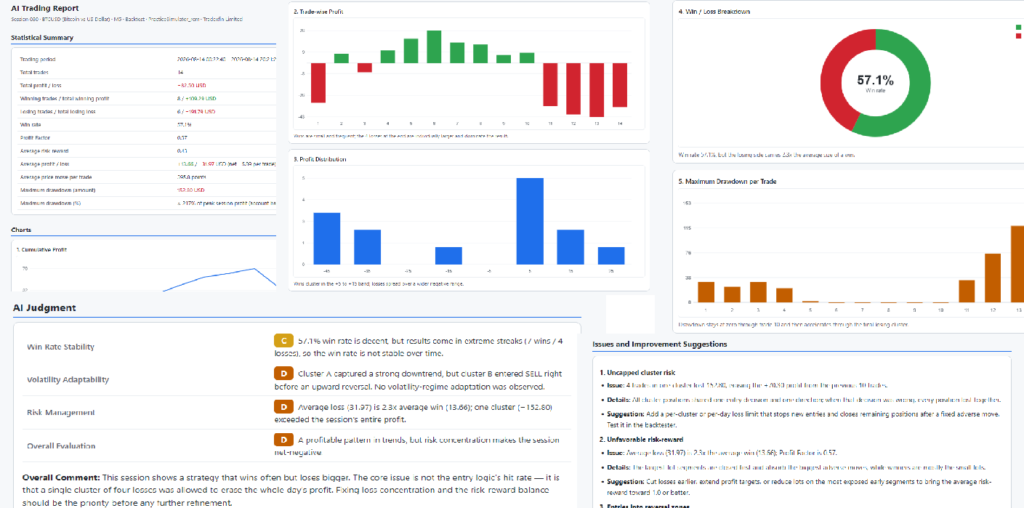
sample : Report_20260822_201639
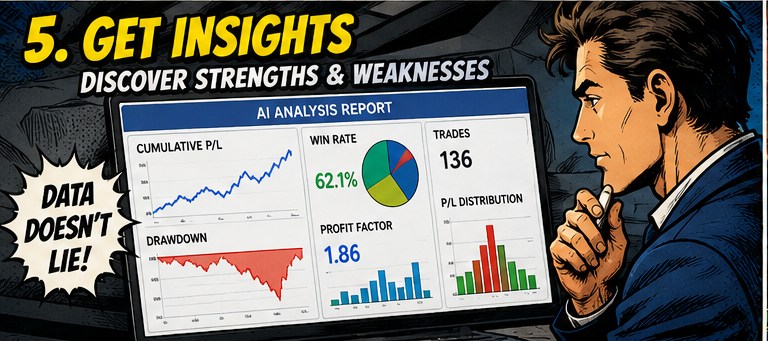
5. Free Analysis
You can also ask the AI questions directly based on the loaded trading data.
For example:
- Analyze only my losing trades.
- Is there a difference between my BUY and SELL performance?
- Which time of day has the worst results?
- Explain the main problems in these trades for a beginner.
- Why did this trade receive a low score?
Explain this result in more detail.
The analysis does not have to follow a fixed format. You can continue asking questions based on the previous analysis.
Choosing the Right Analysis
| Analysis | Recommended when |
|---|---|
| AI Score | You want a simple overall evaluation |
| Trade Analysis | You want to understand your statistics |
| AI Improvement Suggestions | You want to identify problems and improvements |
| HTML Report | You want detailed charts and a report you can save |
| Free Analysis | You want to ask your own questions |
A useful workflow is to start with AI Score, then use Trade Analysis or AI Improvement Suggestions to examine areas that require more attention.
You can then use Free Analysis to ask follow-up questions.
AI Analysis Is Based on Your Trading Data
AI analysis is only as useful as the data provided to it.
Practice Simulator exports the information required for analysis from your practice or backtesting session.
The AI does not replace your own trading judgment. Use the analysis as a tool for reviewing your trading process and identifying areas that may deserve further examination.

More Analysis Prompts
The analysis system is designed so that additional prompts can be added over time.
For example, specialized analyses can be added for:
- Entry analysis
- Exit analysis
- Take-profit and stop-loss analysis
- Time-of-day analysis
- Trading pattern analysis
- Other areas of interest
This allows the analysis system to evolve without changing the basic Practice Simulator workflow.
Important
Practice Simulator is a MetaTrader 4 product.
The built-in AI Assistant described in this guide is a feature of MetaTrader 5. Practice Simulator provides the trading data that can be used for AI analysis; it does not turn MetaTrader 4 itself into an AI-enabled trading terminal.
AI-generated analysis should be treated as an analytical aid. It should not be considered investment advice or a guarantee of trading results.
Related
Practice Simulator:
User Guide:
AI Analysis Prompt: