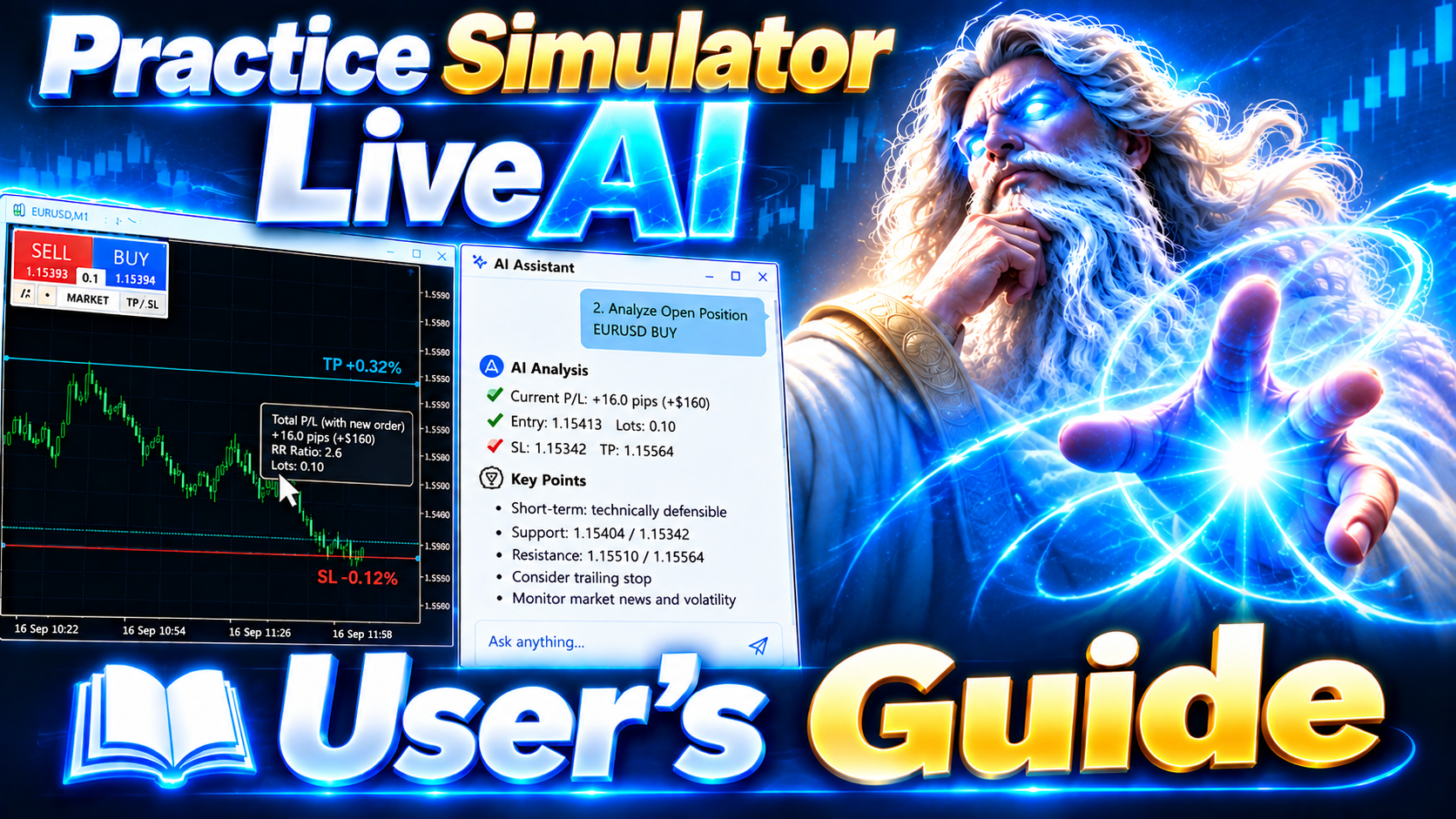

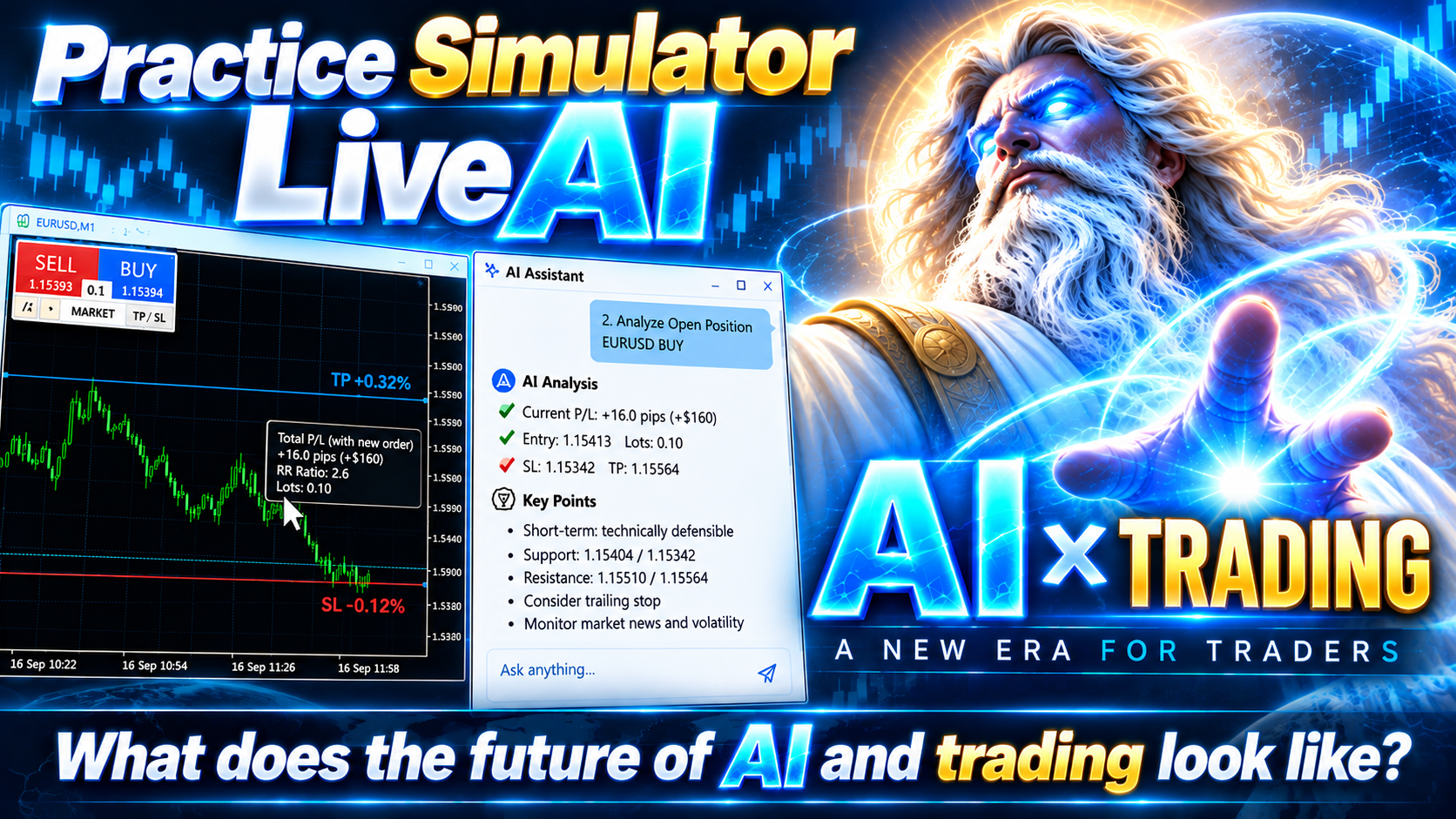
Practice Simulator for MetaTrader 5 combines simulated practice in the Strategy Tester with live trading using the same interface. Practice your strategy with historical market data, then use the same interface for live trading with risk management and trade management tools.
Practice Simulator for MT5 includes LiveAI, an integration with the MT5 AI Assistant. Ask about the market, your open positions, entries, or exits in plain language. The assistant reads the current Chart Information and uses PracticeSimulator information and functions when responding. Trading data can also be exported and analyzed with the MT5 AI Assistant and other generative AI services through AI Judgement.
For detailed information, visit Setup & User Guide.
Practice Simulator MT5 LiveAI 🤖
Enhanced live trading with AI Assistant for MetaTrader 5.
English | Русский | 中文 | Espanol | Portugues | 日本語 | Deutsch | 한국어 | Francais | Italiano | Turkce
Key Features
- Live Trading – Trade live with one-click market orders, limit/stop orders, drag-and-drop TP/SL lines, and bulk closing.
- LiveAI – Use the MT5 AI Assistant to analyze current Chart Information, open positions, entries, exits, signals, and indicators using PracticeSimulator information and functions.
- Simulated Practice – Practice in the Strategy Tester with Visual Mode using historical market data.
- AI Judgement – Export your trading data for analysis with the MT5 AI Assistant and other generative AI services.
- Risk Management – Automatic lot calculation by risk percentage, dynamic TP/SL, and multiple trailing stop methods including Fixed, Shrink, Moving Average, Bollinger Bands, SAR, Chandelier Exit, and Protect Break Even.
- Strategic Close – Configure full close, partial close, line reset, trailing stop, and additional order actions when TP/SL lines are reached.
- Entry Assist – Delays the actual order based on short-term ASK/BID/mid-price movement. Four settings are available: OFF, Soft, Medium, and Hard.
- Smart Tooltips – Hover over order buttons or TP/SL lines to preview order volume, expected profit/loss, risk percentage, RR, and breakeven information before executing.
- Trading Interface – Color-coded buy/sell controls, spread information, stop-out reference line, and customizable panel.
Strategy Tester and Live Trading
Practice Simulator for MT5 has different capabilities in the Strategy Tester and in live trading.
In the Strategy Tester, the focus is on basic practice with historical market data and market-order execution. Some interactive live-trading functions are not available in the tester, including dragging TP/SL lines and placing pending orders by moving LMT/STP lines.
In live trading, the trade-management interface includes interactive TP/SL lines, pending orders, Smart Tooltips, risk-based position sizing, StrategicClose, flexible trailing stops, and Entry Assist.
LiveAI with MT5 AI Assistant
LiveAI connects PracticeSimulator with the MT5 AI Assistant. The assistant can read current Chart Information from the terminal environment and use PracticeSimulator information when analyzing live trading.
You can select analysis tasks from a menu, ask about open positions, discuss entries or exits, review trading, and analyze signals and indicators. You can also ask ordinary questions, and the assistant re-reads the current chart information when responding.
AI Judgement
After a practice session, PracticeSimulator exports trading data for AI analysis. In the MT5 Strategy Tester, the trading data is exported automatically when the test finishes.
The exported data can be analyzed with the MT5 AI Assistant or other generative AI services of your choice. Available analyses include AI scoring, trade statistics, improvement suggestions, HTML reports, and free-form questions about the trading data.
Getting Started
Practice Mode:
- Launch the Strategy Tester, select “PracticeSimulator”, and enable “Visual Mode”.
- Choose your symbol, period, and spread, then start simulated trading.
- When the test finishes, the trading data is exported automatically.
- Use AI Judgement with the MT5 AI Assistant or another compatible generative AI service to analyze the exported trading data.
Live Trading Mode:
- Attach “PracticeSimulator” to a live chart and start trading with the same interface.
- Launch the MT5 AI Assistant and use LiveAI to analyze the current chart and trading situation.
- Ask about news, open positions, entries, closing trades, signals, or indicators using ordinary language.
Additional Information
- Historical data is required for simulated trading.
- In the Strategy Tester, dragging TP/SL lines and placing limit/stop orders by moving LMT/STP lines are available only in live trading.
- LiveAI requires the MT5 AI Assistant and a chart running PracticeSimulator.
- AI Judgement can also be used with other generative AI services by providing the exported trading data.
For setup instructions and detailed usage information, see the Setup & User Guide.